Tuesday, September 22, 2015

After and Before, Photoshop

These are all photos I took during the dark hours of the morning.  I was feeling the itch to be a bit dramatic, so I threw on some makeup and hopped in the bathtub with my camera.  I often use my toes to pick up things when I'm too lazy to reach with my hands, so today I decided to give my upper torso a rest, and snapped some selfies with my feet.  Then I went into Photoshop and played around using my favorite tools: Levels, Color Mixer, and Color Balance.  Here are the After, Before's (I know it's normally Before, After, but meh)


1
 After
Before

2
 After
Before

3

 After
Before

4
 After
Before

Saturday, February 2, 2013

Golden Eye (closeup green eye)


I treat my eyes the same way I treat my windows, 
no Windex and the blinds are almost always closed.

Saturday, November 10, 2012

Characters For Animation


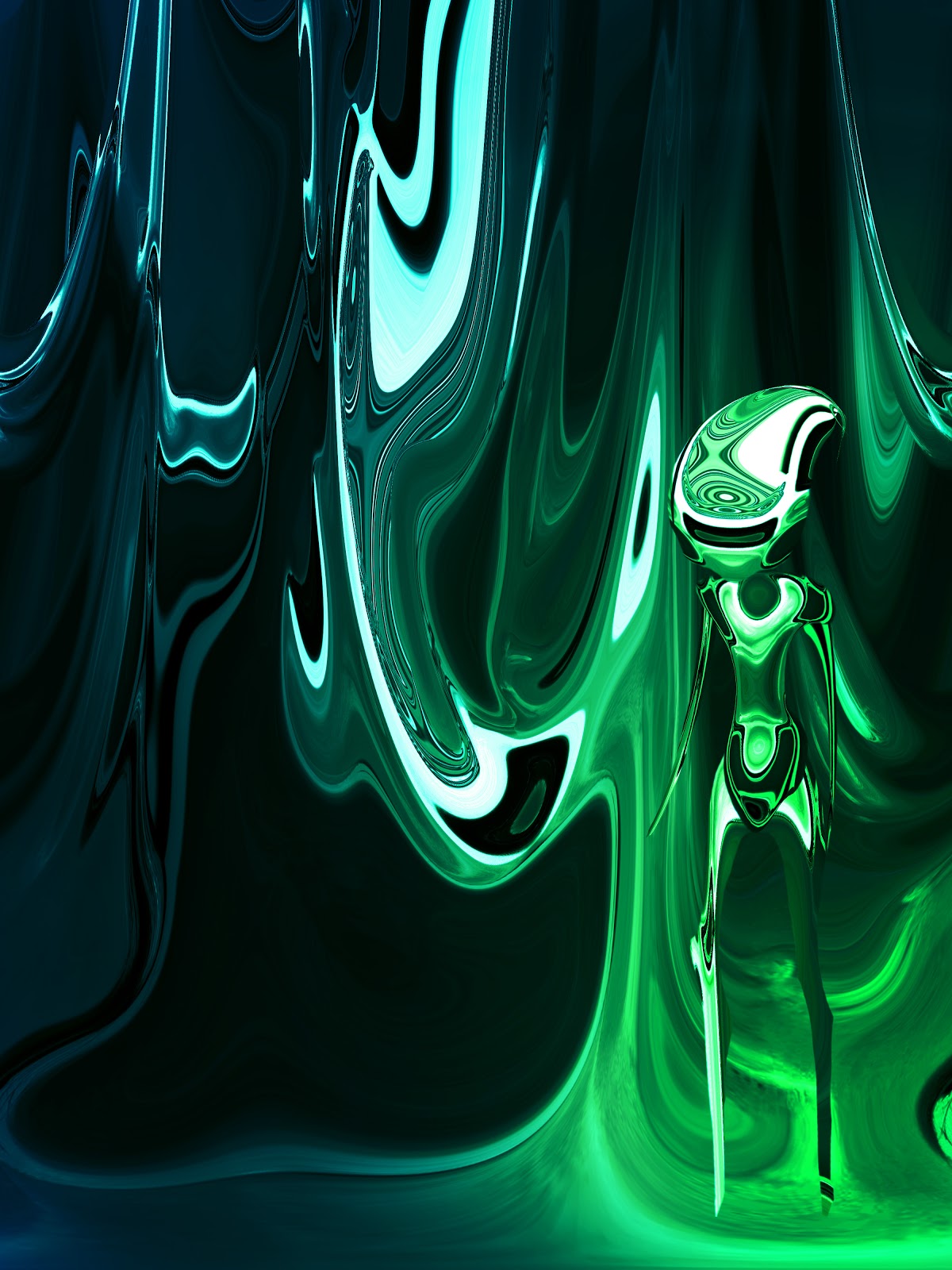
How I Turned A Photo Into A Digital Painting


Step 1: Photo


Step 2: Distort > Warp


Step 3: Mess around with the vibrancy and hues


Step 4: Distort > Warp


Step 5: Copy image to separate layer, Hue Change


Step 6: Erase part of new layer


Step 7: Add character


Step 8: Cool color overlay, and burn tool on desired areas


Wednesday, May 23, 2012

Project #3


Construction Paper Pixels, the overflowing sink, and the mannequin whose head caught fire.  This is what my mother who is visiting, got to wake up to in the morning, like most people who know me, this kind of thing came as no surprise.